
If you run an e-commerce fashion brand, dropshipping store, or design accessories, you already know the single biggest headache of the industry: product photography. Booking professional models, renting studio space, hiring photographers, and editing photos can easily cost thousands of dollars. And if you are just starting out, that kind of budget is simply out of reach.
But in the age of online shopping, flat-lay photos of products on a white background just don’t cut it anymore. Customers want to see how a pair of sunglasses sits on a real face, how a necklace drapes, or how a watch fits a wrist. They need context to make a purchasing decision.
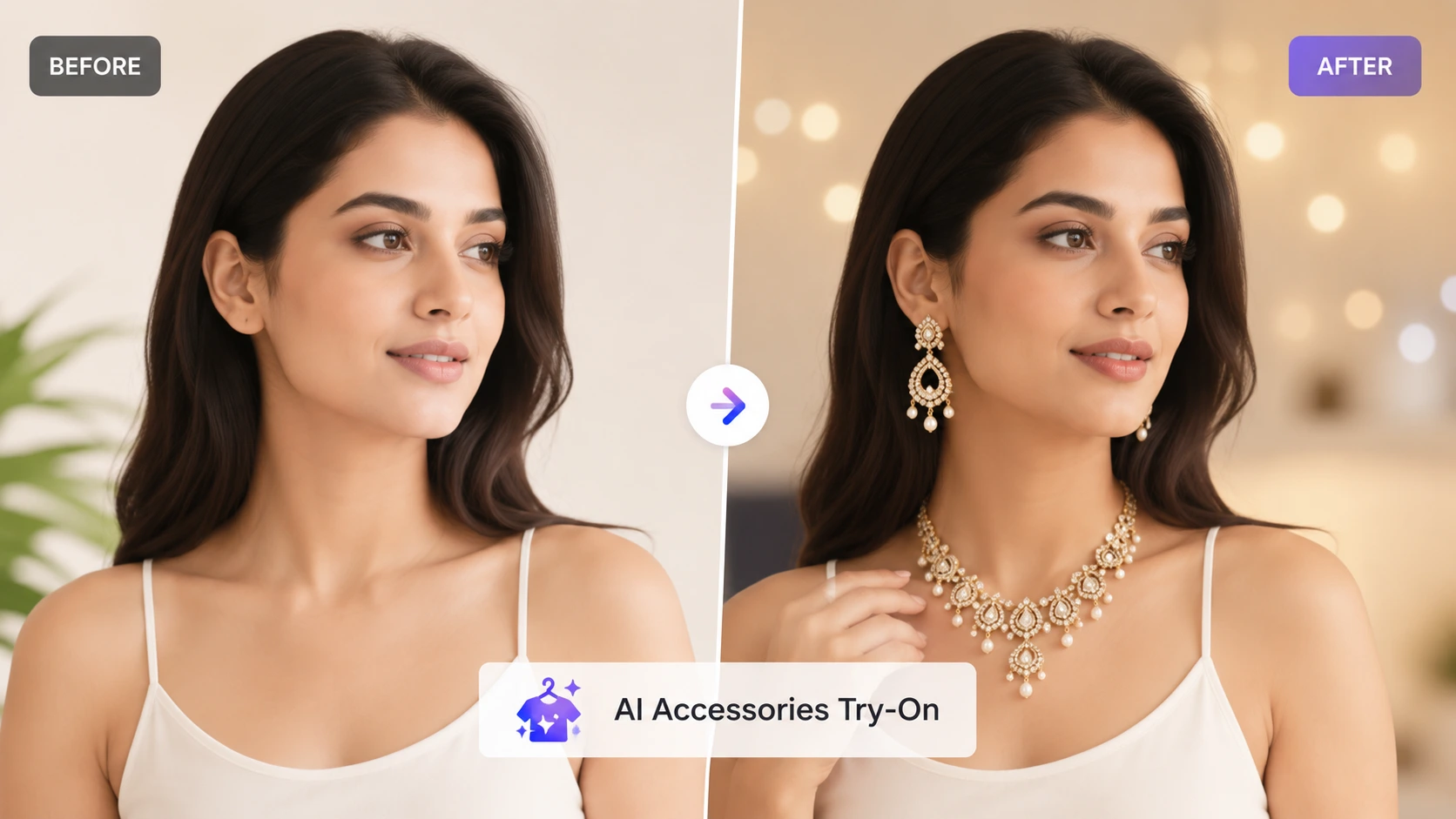
Fortunately, artificial intelligence is leveling the playing field. With AI Accessories Try-On technology, you can now place your jewelry, watches, sunglasses, and handbags onto professional models in seconds, saving you time, effort, and thousands of dollars in photoshoot budgets.
What is AI Accessories Try-On?
AI Accessories Try-On is a smart tool designed for e-commerce sellers and fashion brands. Instead of hosting a physical photoshoot, you simply upload a photo of your accessory (like a pair of earrings or a watch) and select a model from a gallery.
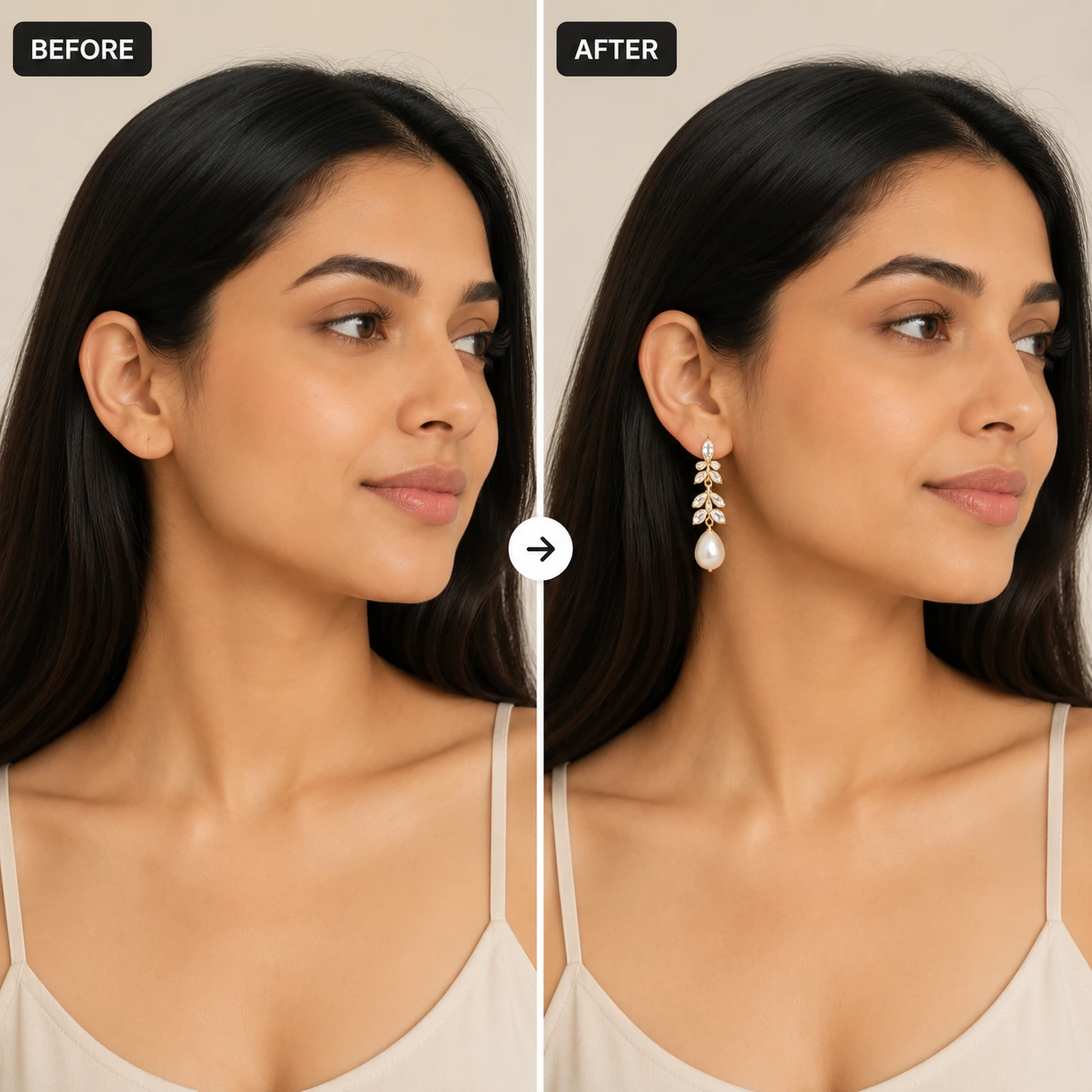
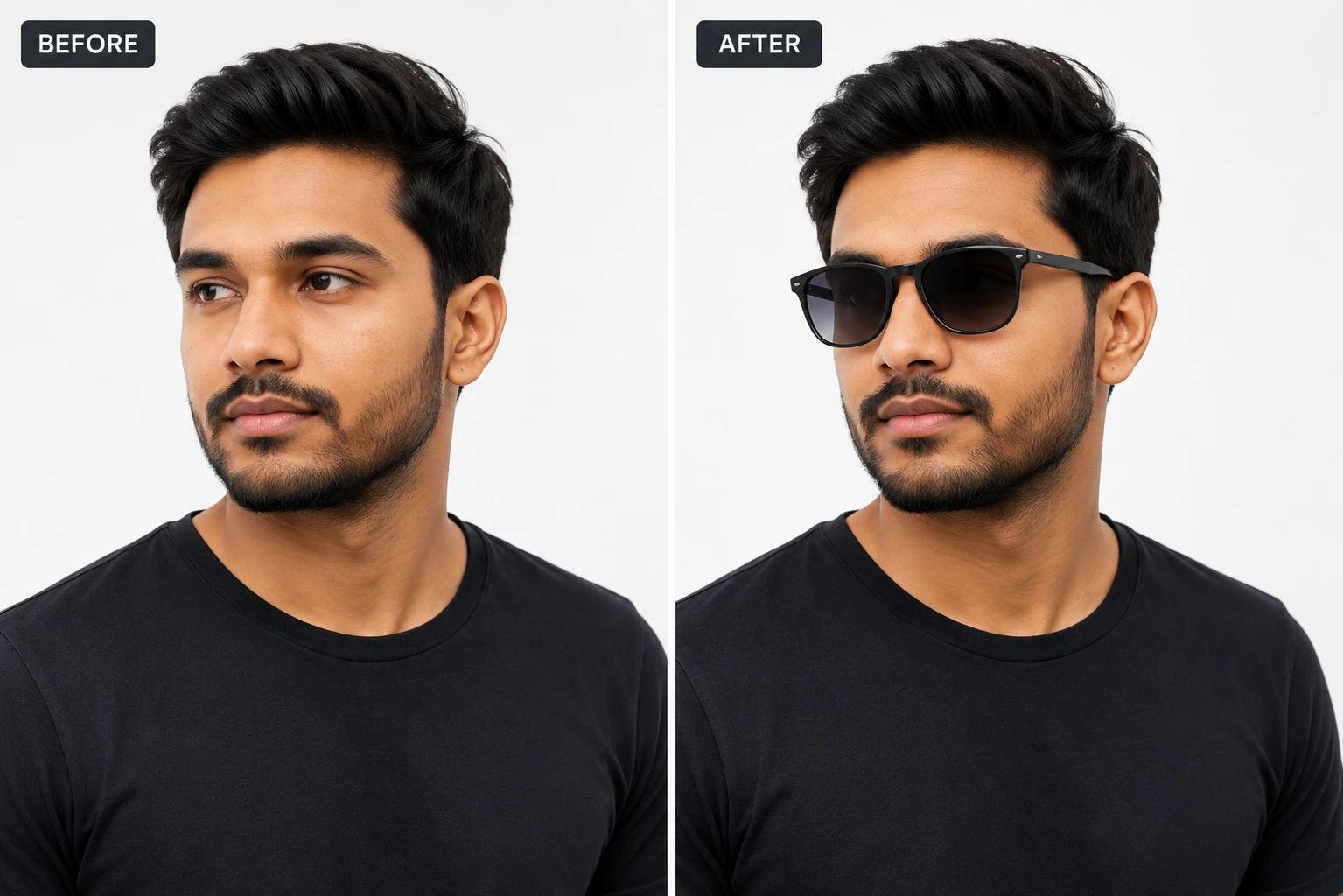
The AI handles the rest automatically. It detects the structure of the model’s face or body, scales your product image to fit, adjusts the angle, and blends the lighting so the product looks like it was actually worn during a live shoot. The result is a clean, professional, high-resolution product-on-model image ready for your store or social media.
Supported Categories for Your Store
Unlike general AI tools that try to do everything, specialized fashion try-on tools target specific accessories to guarantee realistic results. The most common and widely used categories include:
- Earrings: Place studs, hoops, or drop earrings on diverse models. The AI aligns them perfectly with the earlobes.
- Necklaces: Automatically drape chains, pendants, and chokers around the neckline.
- Sunglasses (Men & Women): Fit different eyewear styles on various face shapes with correct depth and perspective.
- Wrist Watches: Place metal, leather, or sports watches naturally onto wrists.
- Handbags: Drape purses, clutches, and handbags naturally in a model’s hands or over their shoulders.
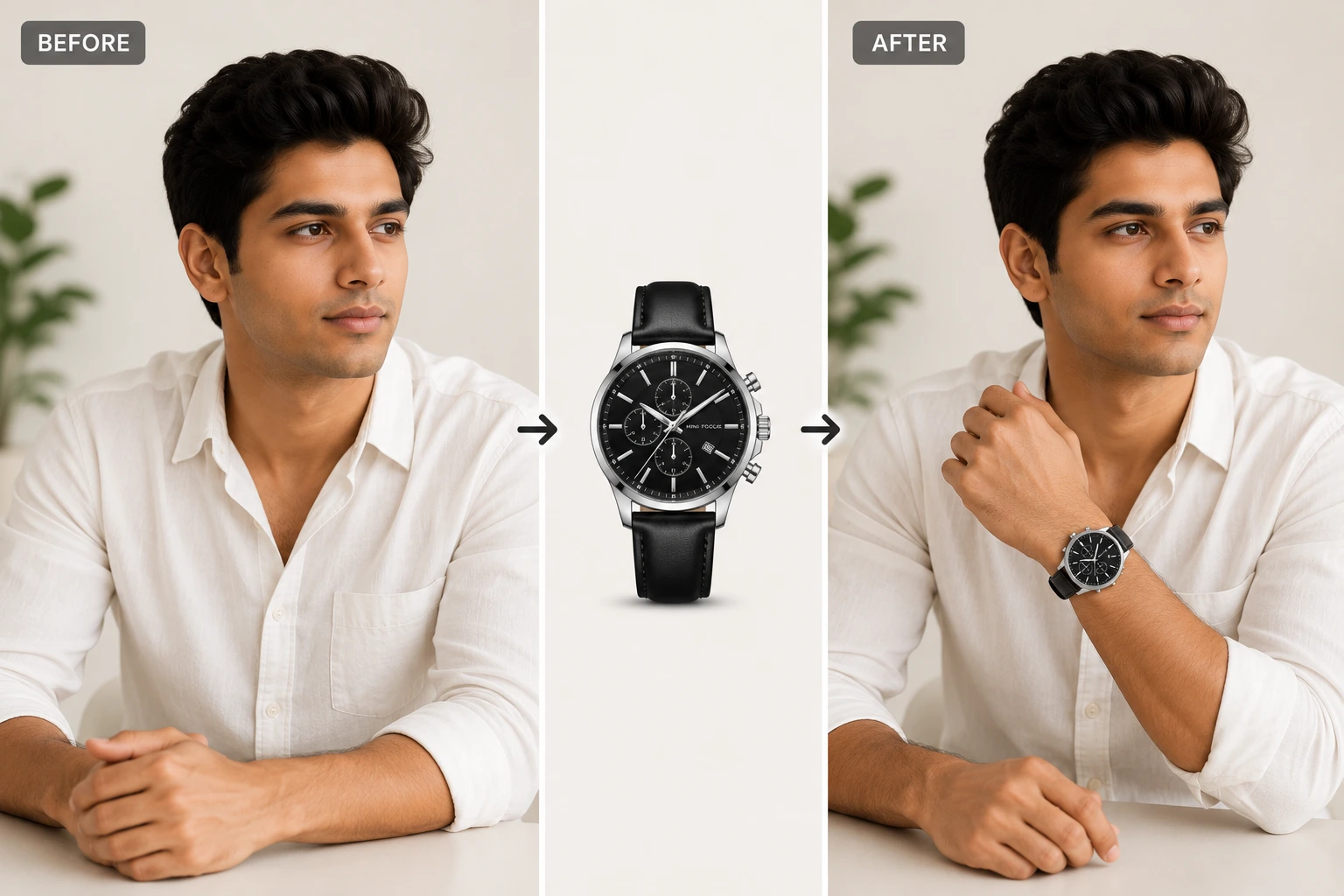
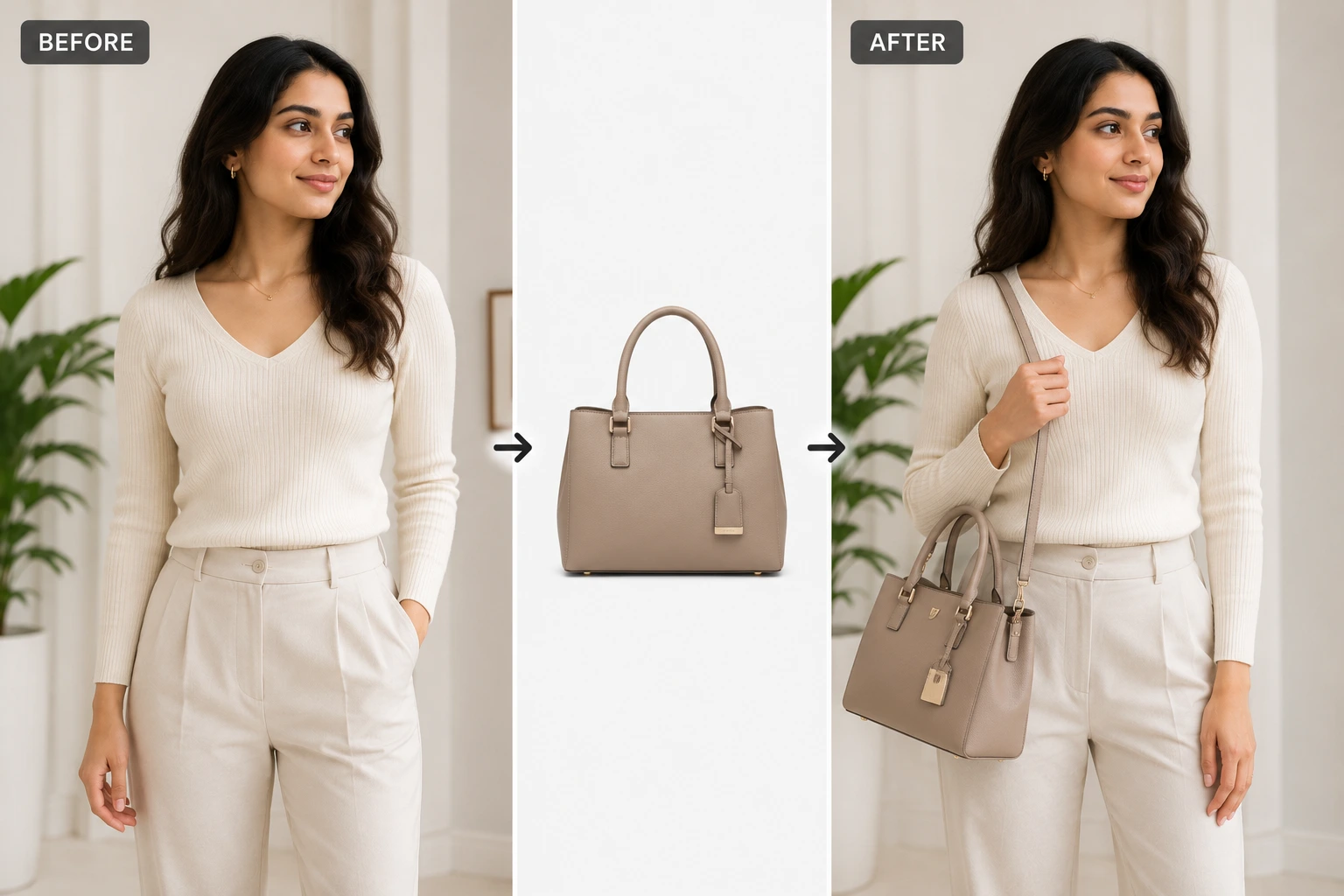
Introducing AfterTaken’s AI Accessories Try-On Tool
If you want a fast, reliable, and cost-effective way to generate model photos, the AfterTaken AI Accessories Try-On Tool is a game-changer. It is built specifically to help creators and store owners generate high-quality lifestyle images without the studio hassle.
The tool supports six key categories: **Earrings, Necklaces, Woman Sunglasses, Men Sunglasses, Woman Handbags, and Wrist Watches**. It lets you choose from their curated gallery of diverse models, or you can even click “Upload Custom” to upload your own model photo as the base.
Here is how the workflow works:
- Select a Model: Choose a model from the gallery categories or upload a custom model photo that represents your brand’s aesthetic.
- Upload Your Product: Upload a clear image of your accessory product (e.g., a png with a clean background).
- Generate: Click “Generate Try-On.” The AI will instantly analyze the images and blend them together, aligning the angle, size, and lighting to create a realistic look.
Why E-Commerce Sellers Love This Tool
Creating content for an online store is an ongoing job. You need fresh images for social media, ad campaigns, and product pages. Here is why automated try-ons are so valuable:
1. Huge Budget Savings: You don’t need to hire models or photographers. A single photoshoot cost is replaced by a few clicks, making it perfect for startups and small brands.
2. Consistency: You can use the same model to showcase your entire jewelry or sunglasses collection, giving your website a clean, consistent, and professional look.
3. Fast Turnaround: Instead of waiting weeks for editing and processing, your product images are ready for your storefront in under a minute.
Frequently Asked Questions (FAQs)
You upload a photo of your accessory product (like sunglasses or earrings) and select a model (either from the gallery or upload your own). The AI automatically handles scaling, perspective, and natural lighting to render the product realistically on the model.
Yes, a quick signup is required to access the try-on features and start generating your product-on-model images.
Yes! After signing up, every new user receives 5 free credits to test the tool. This allows you to generate and download test images before deciding on a plan.
No, the tool is optimized to generate one accessory try-on at a time. This ensures that the placement, scaling, and lighting details remain highly realistic and professional.
The tool supports six key categories: Earrings, Necklaces, Woman Sunglasses, Men Sunglasses, Woman Handbags, and Wrist Watches. You can apply these to either the gallery models or your own custom uploaded models.
Final Thoughts
High-quality visual content shouldn’t be reserved only for brands with massive budgets. With AI Accessories Try-On, you can create clean, professional lifestyle photos of your product lines in just a few clicks. It’s the ultimate shortcut to making your e-commerce storefront look premium and trustworthy.
Ready to upgrade your product pages? Head over to the AfterTaken Accessories Try-On Tool, sign up for your 5 free credits, and see your products come to life today!